

How one 8 MB font crashed our render farm — and how glyph subsetting made CJK ads 9× faster
A production debugging story about web fonts, memory, and HarfBuzz.
 Super Admin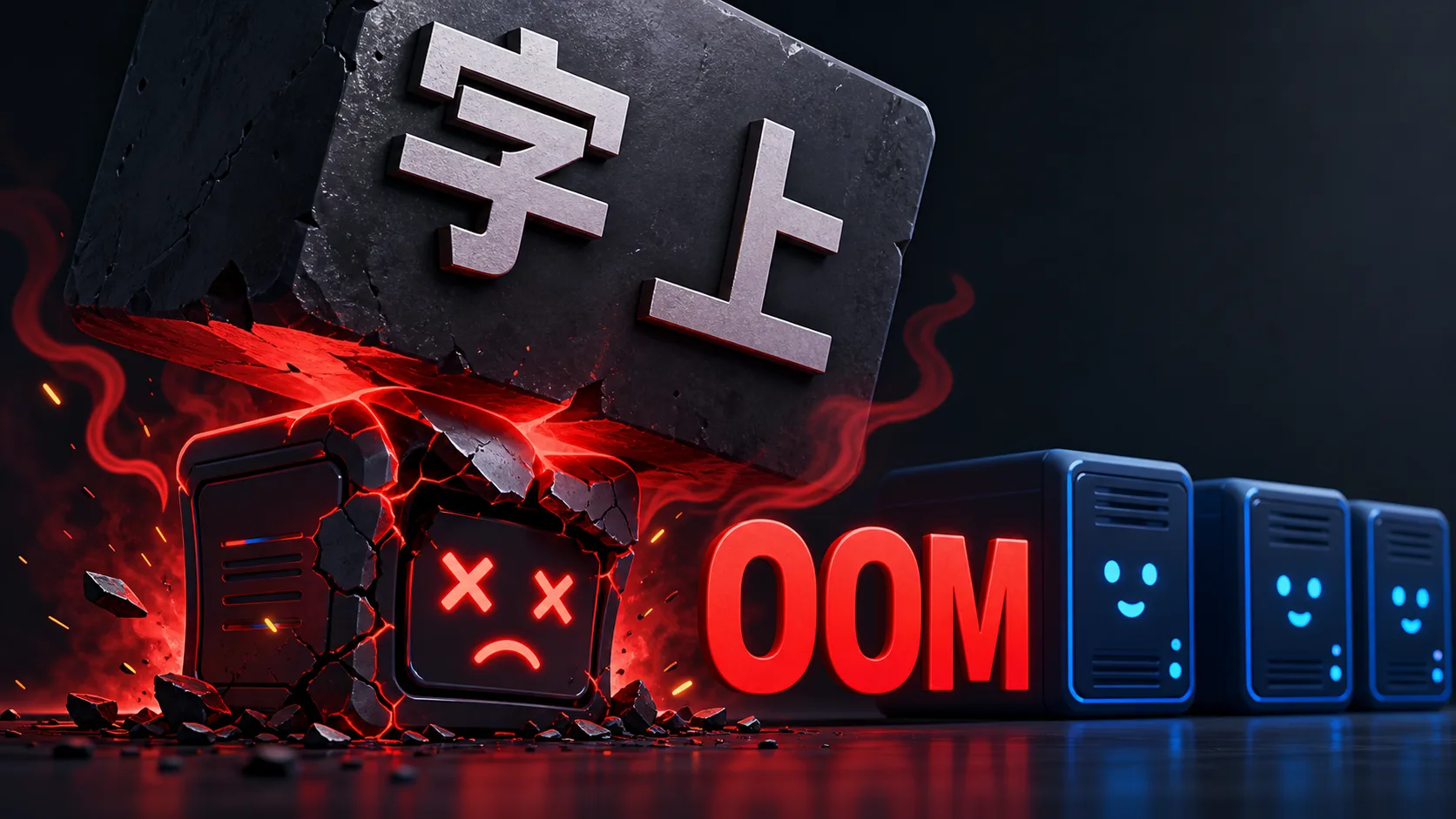
A production debugging story about web fonts, memory, and HarfBuzz.
The setup
At ConnectWyze we generate marketing creatives at scale. You design a template once, connect a data source (say, a feed of flight routes and prices), and our render farm turns out thousands of on-brand images — one per row, per size, per language.
The rendering itself is browser-based: we build an HTML document from the template, load it in headless Chromium, and screenshot it. Fonts are embedded directly into the HTML as base64 data: URIs so the renderer has zero network dependencies at paint time. This has served us well for millions of images.
Then we onboarded a customer running ads across a dozen Asian markets — including Traditional Chinese, Japanese, and Korean. And our render worker started falling over.
The symptom that lied to us
The first thing we saw was generation runs failing with a maddeningly generic error:
TypeError: fetch failed
It looked like a network problem. The app server submits each batch of renders to the render worker over HTTP; sometimes that POST just… failed. Other times, runs would start, render a few hundred images, then freeze — stuck "processing" forever with no error at all.
We spent real time chasing the network theory. It was wrong. The failures were intermittent, they were isolated to one workspace, and — the tell — they happened at a spread of timings: some failed in 150 ms (connection refused), some at 6 seconds (connection reset), some at 10 seconds (connect timeout). A flaky network doesn't fail three different ways on a schedule. Something on the other end was dying and restarting.
We pulled the render worker's own logs. There it was:
<--- Last few GCs --->
367634 ms: Mark-Compact 4107.9 -> 4038.0 MB  allocation failure
FATAL ERROR: Reached heap limit Allocation failed - JavaScript heap out of memory
...
[Render Worker] Starting...   ← the worker crashed and restarted
The fetch failed was a symptom. The disease was the render worker running out of memory and crashing mid-batch. When it crashed, in-flight HTTP submits got refused/reset (fetch failed), and renders that were already dispatched never got their callbacks (stuck "processing").
One root cause explained every symptom we'd been treating as separate bugs.
Why CJK fonts are a different animal
Here's the thing about the workspace that triggered it: its templates used a CJK font — Source Han Sans, the excellent open-source pan-CJK typeface.
A Latin font covers maybe 200–400 glyphs and weighs 20–100 KB. A CJK font has to cover 20,000–65,000+ glyphs — every Han character in common use — and weighs 8–16 MB per weight. This customer used six weights.
Now recall our architecture: we embed fonts as base64 into every render's HTML. base64 inflates bytes by ~33%, so an 8 MB font becomes ~11 MB of text in the document. And our worker renders with a concurrency of 25.
Do the math:
~11 MB (base64 font) × multiple weights × 25 concurrent renders in flight
= well past Node's ~4 GB default heap ceiling
= FATAL ERROR: heap out of memory
Latin templates were fine — they'd always been fine. CJK templates were a memory bomb.
Fix #1: buy time (the band-aid)
The immediate priority was to stop the crash-restart loop hurting a paying customer. Node's V8 heap defaults to roughly 4 GB even when the host has far more RAM. Our box had 64 GB sitting idle. So:
ENV NODE_OPTIONS="--max-old-space-size=12288"
That stopped the OOM. Runs completed again. But it only treated the symptom. A full 476-image Traditional Chinese batch now took ~898 seconds — versus ~70 seconds for the equivalent Latin batch. ~13× slower, because every single render was still parsing and loading a full multi-megabyte CJK font it barely used.
We'd stopped the bleeding. We hadn't fixed the wound.
Fix #2: only ship the glyphs you actually use

Here's the key insight: a single ad renders maybe 30–100 unique characters. A headline, a price, a couple of city names. But we were shipping the browser a font built to render all of written Chinese.
The fix is glyph subsetting: build a new font on the fly containing only the glyphs that will actually appear, and embed that. It's exactly how Google Fonts serves CJK — nobody downloads the whole thing.
Choosing the tool
We did the research before writing code, and it was unanimous: the gold standard for subsetting is HarfBuzz's hb-subset — it's what Google Fonts, Adobe Fonts, and the Subfont build tool all use under the hood. For Node, the production-proven wrapper is subset-font, which drives HarfBuzz compiled to WebAssembly. (We'd initially reached for fontkit, already in our tree — but its subsetting is weaker for CJK and CFF/OpenType outlines. Do the boring research first; it saves you a rewrite.)
Its API is beautifully simple — you hand it a font, a string of text, and a target format:
const subset = await subsetFont(fullFontBuffer, usedText, { targetFormat: "woff2" })
Before committing to any of it, we ran a smoke test on the actual customer font:
input:  7.35 MB  Source Han Sans (CFF/OpenType)
output: 10.8 KB  valid woff2
time:   63 ms
reduction: 99.86%
99.86% smaller. That's the number that told us this was the right path.
The architecture: subset once per batch, not per render
A naive implementation would subset inside each render — but that re-parses the 8 MB source font thousands of times (slow, and the whole point was to reduce work). Instead we subset once per batch:
- When a batch job arrives, we compute the set of characters the entire batch could render.
- We subset each large font to that set — one HarfBuzz pass per font.
- Every render in the batch embeds the same small (~90 KB) subset, shared.
For a 476-image batch, the source font is parsed once and the tiny result is reused 476 times.
The safety net: over-cover, then fail open
Subsetting has one scary failure mode: if you miss a character, it renders as a "tofu" box (□) — a silent, visible defect in a customer's ad. We built two guarantees against it.
1. Over-cover the glyph set. We don't try to be clever about which text uses which font. We collect a superset: every character in the template JSON, plus every value in every data row, plus a base set of Latin/digits/punctuation. HarfBuzz keeps only the glyphs a given font actually has, so over-requesting is free. Because the requested set is a superset of anything that can render, a needed glyph can't go missing.
2. Fail open. If subsetting throws, or the WASM fails to load, or the output looks wrong — we fall back to the full font. Worst case is the old behavior (slow), never a broken render. We also wired a kill switch (ENABLE_FONT_SUBSETTING=false) so ops can revert instantly, no redeploy.
The bug our code review caught (learn from this one)
Our first cut of the "over-cover" logic collected the raw text. A reviewer flagged a subtle hole: CSS text-transform.
If a template layer has text-transform: uppercase and the data says café, the browser paints CAFÉ at render time. The glyph É (U+00C9) never appears in the raw source text — so it never got requested, so the subset dropped it, so it would render as tofu. Silently. Only for uppercased accented text. In production.
The fix is one line, in the spirit of "over-cover, never under-cover":
for (const ch of text) {
  used.add(ch)
  for (const u of ch.toUpperCase()) used.add(u)   // café → CAFÉ needs É
  for (const l of ch.toLowerCase()) used.add(l)
}
Case-folding happens at paint time, invisible to static text analysis. If you subset fonts and support text-transform, this will bite you. Now you know.
The results

We deployed and watched a real Traditional Chinese run:
| Metric | Before | After |
|---|---|---|
| Font embedded per render | ~8 MB (full) | ~90 KB (subset) |
| 476-image CJK batch (isolated) | ~898 s | ~98 s |
| Speedup | — | ~9× |
| Failures | OOM crash-loop | 0 / 6,664 images |
The render worker logs confirmed it doing exactly what we designed:
[Renderer] Subset SourceHanSansCN-Regular.otf:  8.0MB → 90KB
[Renderer] Subset SourceHanSansCN-Bold.otf:     8.2MB → 91KB
[Renderer] Subset SourceHanSansCN-Heavy.otf:    8.4MB → 94KB
...
The workload that had been crash-looping our render farm that morning now renders every language, cleanly, with the memory pressure gone at the source — not papered over with a bigger heap.
What we'd tell our past selves
- The error you see is often a symptom two layers down.
fetch failedon the client was an OOM crash on the server. Follow the failure across the process boundary before theorizing. - A spread of failure timings means "the thing on the other end is dying," not "the network is flaky." 150 ms vs 6 s vs 10 s told the real story.
- Raising a limit buys time; it isn't a fix. The heap bump was correct as triage and wrong as a solution. We shipped both and were honest about which was which.
- Do the boring research before you build. Fifteen minutes of reading told us HarfBuzz over fontkit and saved a rewrite.
- For anything that touches customer-visible output, design for over-coverage and fail-open. Then a bug degrades to "slow," never to "broken."
- Get the review. The
text-transformglyph gap was invisible in testing and would have shipped tofu to production. A second set of eyes caught it.
If you're rendering CJK (or Arabic, or any large-glyph script) server-side and embedding fonts, subset them per page. An 8 MB font you use 40 glyphs of is 8 MB of pure waste — paid for on every single render.
Building creative automation that has to render every language on earth? We're doing it at ConnectWyze.
Written by
Super AdminConnectWyze Team
The ConnectWyze team builds creative-automation tooling that turns product feeds into thousands of on-brand ad variants — and writes about the systems, tradeoffs, and lessons behind high-volume creative production.